

Notification preferences
You can tune how Backpack OS keeps you posted so you get the updates that matter without the noise.
Open your preferences
Open your profile / personal settings.
Find the notifications section.
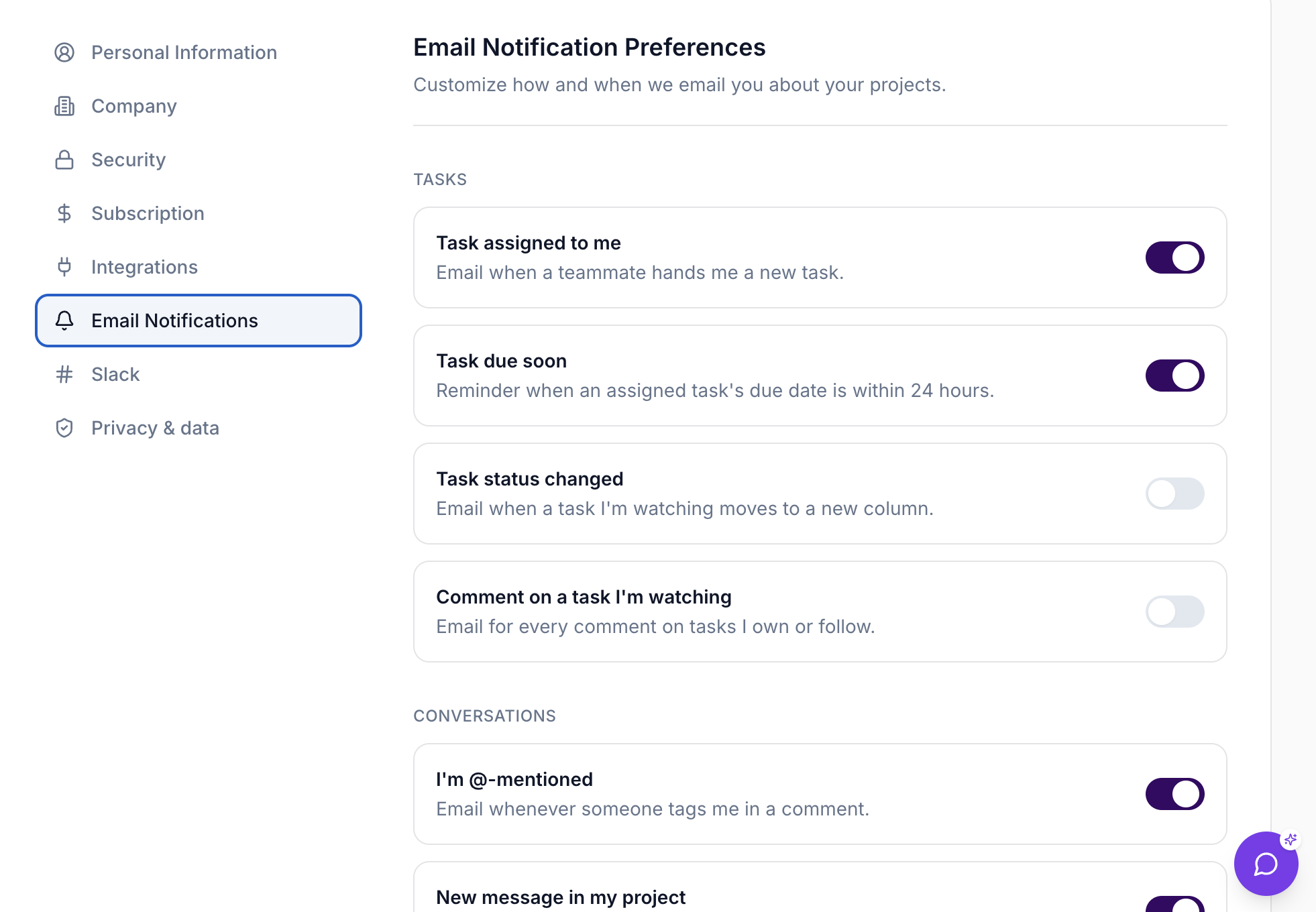
What you can control
In‑app notifications — the items that appear in your bell.
Email notifications — which updates also reach your inbox (for example, when a fix is ready to review or someone replies to you).
Turn options on or off, then save.
In‑app vs. email
The bell is always your complete, up‑to‑date list inside the app. See Notifications.
Email is best for the things you don't want to miss when you're away from the dashboard.
Tips
If you're getting too many emails, keep the "needs your attention" type on and turn down the rest.
If you're missing updates, check that emails aren't going to spam and that the email type is enabled here.
Related