

Viewing upcoming meetings
Your upcoming calls with the team show up on your dashboard so you don't have to dig through email.
Where to look
In the sidebar, look for the Up next area near the bottom — it shows your next meeting with its date and time.
A video icon indicates the meeting has a video link.
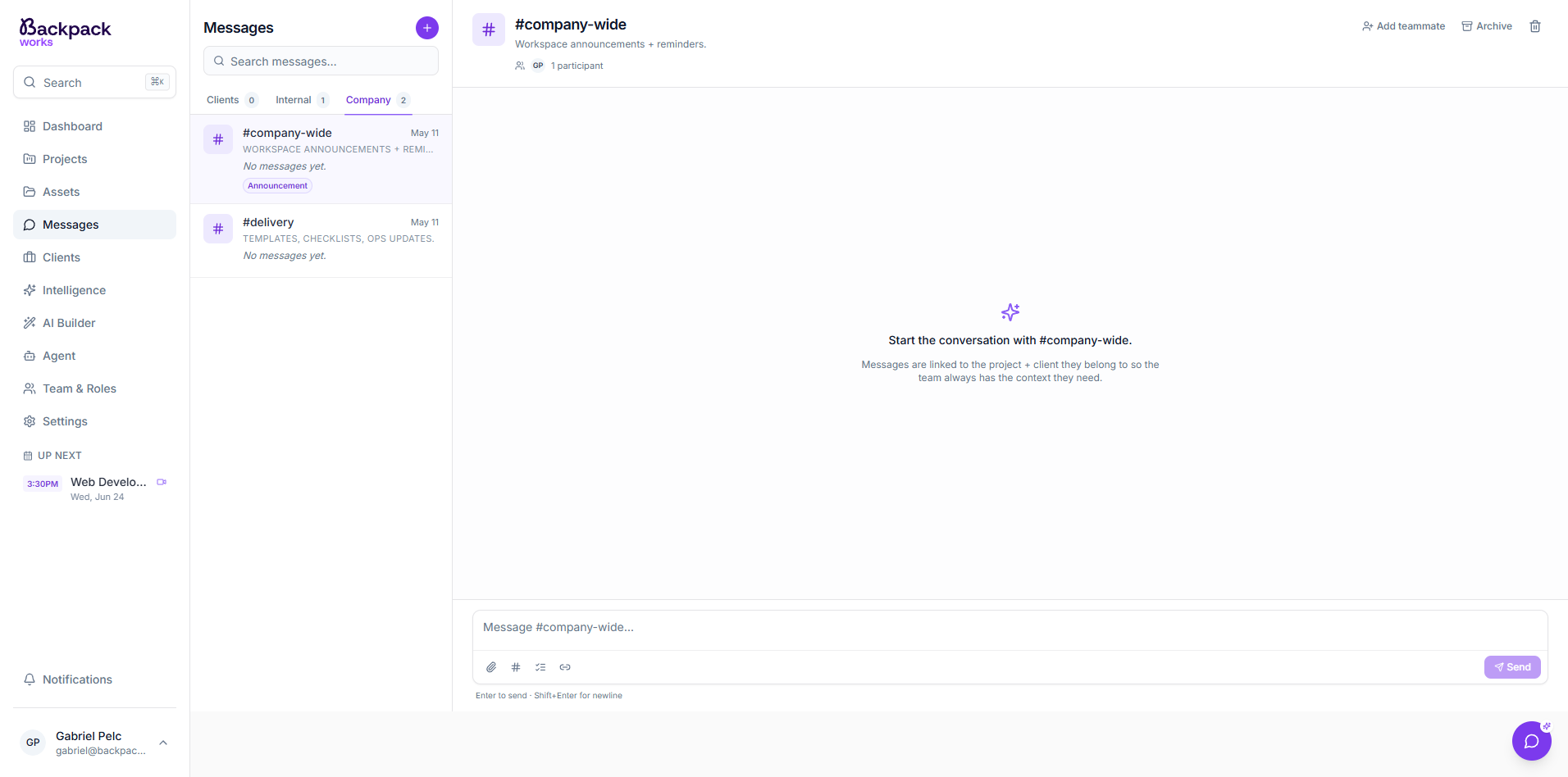
What you'll see
The meeting title.
The date and time.
A way to join when it's a video call. See Joining a meeting.
Tips
Only upcoming meetings appear here — past meetings drop off automatically.
Times are shown for your schedule; if anything looks off, mention it to your team in Messages.
Related
Was this helpful?