

Joining a meeting
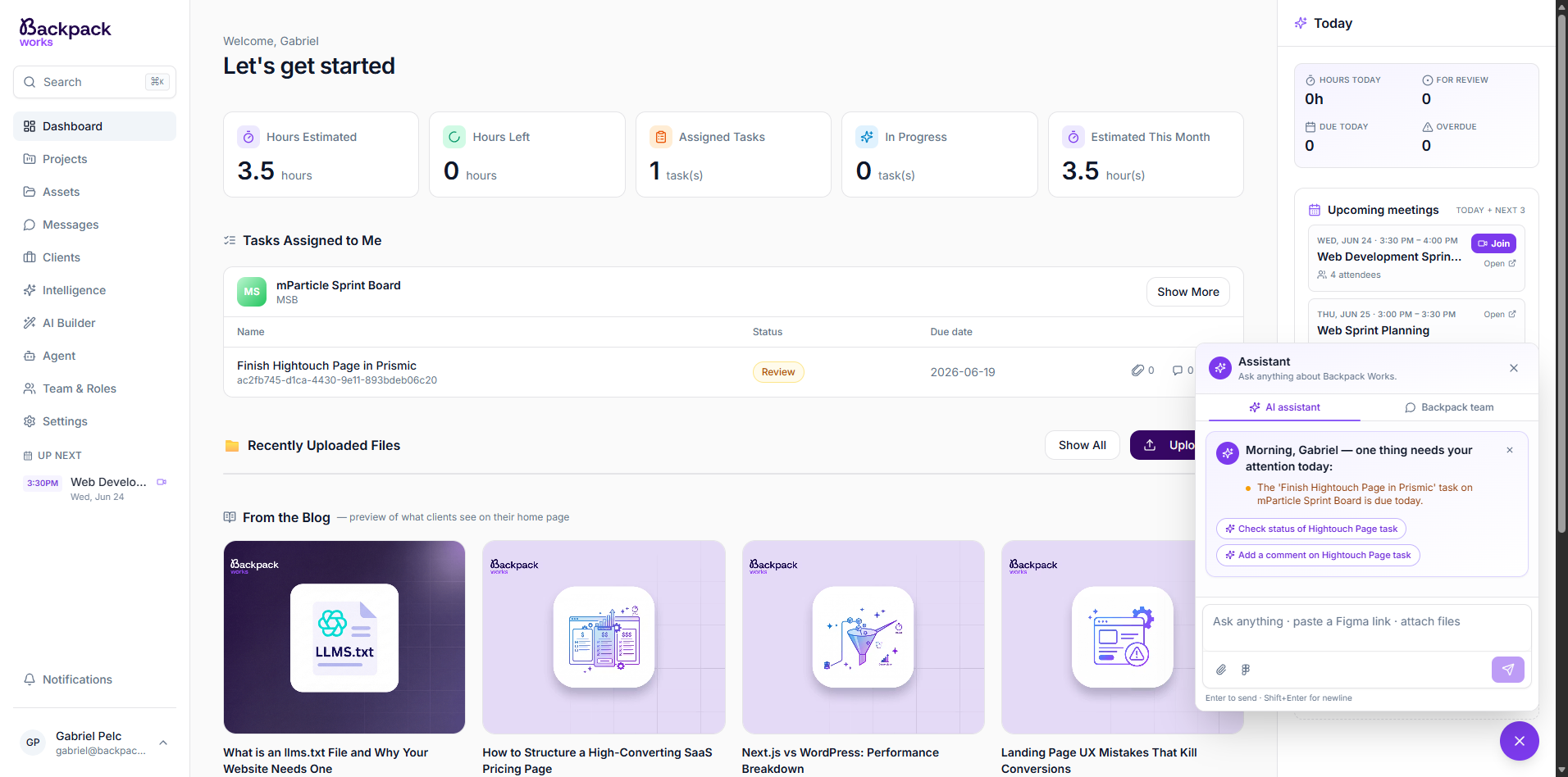
Find your next meeting in the Up next area of the sidebar. See Viewing upcoming meetings.
When it's time, click the meeting to open its details.
Click the join link (shown for video calls) to open the call in your browser or meeting app.
Before your call
Join a couple of minutes early to sort out audio and video.
Use a supported browser for the smoothest experience. See Supported browsers.
If your microphone or camera doesn't work, check that your browser has permission to use them.
Can't find the link?
If a meeting doesn't have a join link or the link isn't working, message your team in Messages and they'll resend it.
Related
Was this helpful?