

Installing the browser extension
The feedback tool runs as a small browser extension. You only install it once.
ℹ️ The Backpack Works feedback extension works in Google Chrome and Microsoft Edge. See Supported browsers.
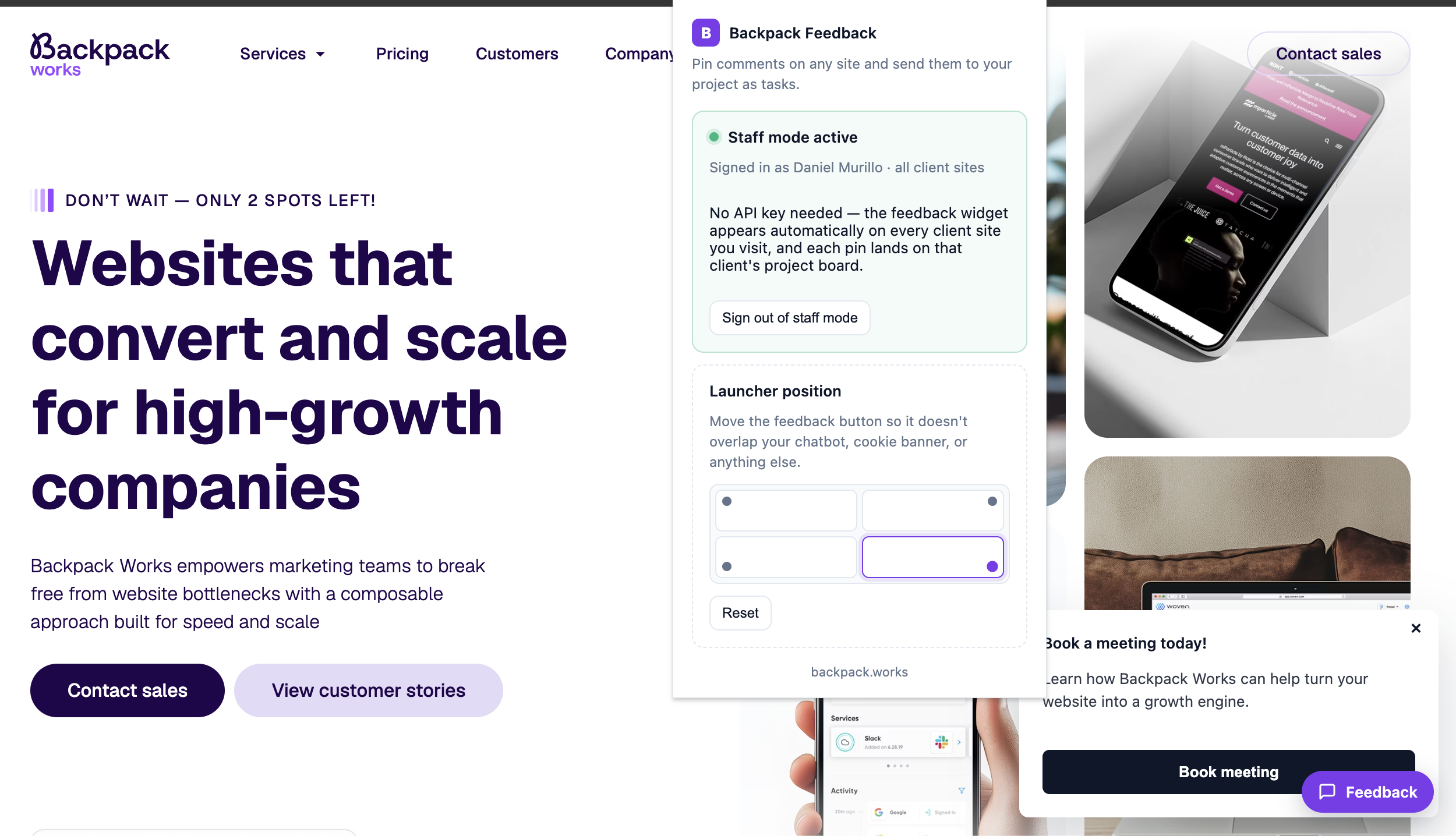
Step 1 — Install the extension
From the store (recommended):
Open the install link your team shared, or find Backpack Works — Visual Feedback in the Chrome Web Store / Microsoft Edge Add‑ons.
Click Add to Chrome (or Get in Edge).
Confirm by clicking Add extension.
From your dashboard:
In Backpack Works, open the place your team links the extension download (the integrations/extension area).
Choose Chrome or Edge to match your browser, and follow the on‑screen install steps.
Step 2 — Pin it (optional but handy)
Click the puzzle‑piece icon in your browser's toolbar.
Find Backpack Works and click the pin icon so it stays visible.
Step 3 — Connect it to your account
Click the Backpack Works icon in your toolbar to open the extension.
Follow the prompt to sign in / connect to your Backpack Works account.
Once connected, the extension knows which project your feedback belongs to.
That's it — you're ready to leave feedback. See Pinning a comment on your site.
Related