

Resetting your password
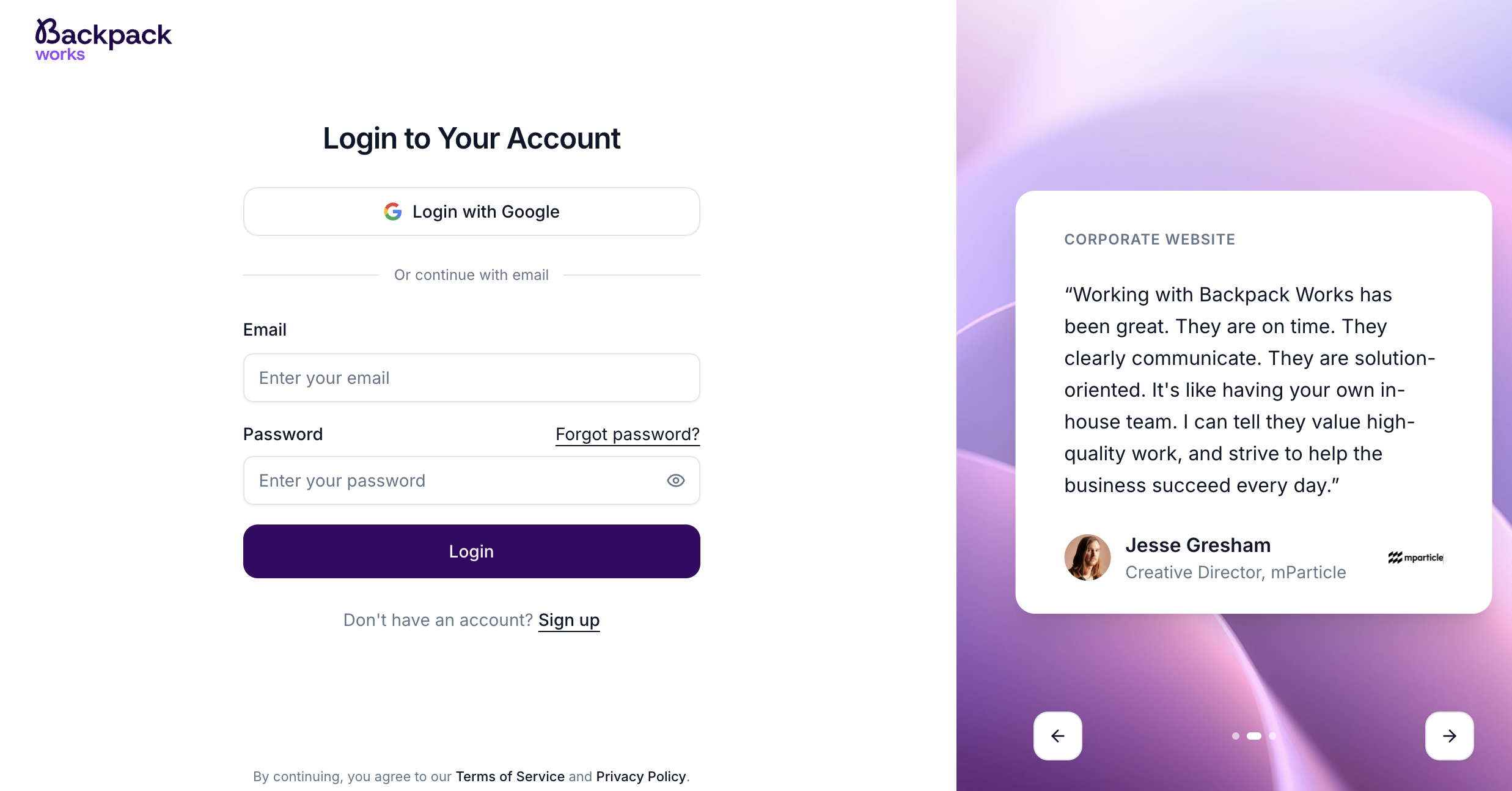
Go to app.backpack.works.
On the sign‑in screen, click Forgot password?
Enter the email address linked to your account.
Check your inbox for a password‑reset email and click the link inside.
Choose a new password and confirm it.
Sign in with your new password.
Don't see the email? Check spam/junk, and make sure you used the email your invite was sent to. See I can't sign in.
If you're already signed in
Open your profile / personal settings.
Look for the password option and choose to change it.
Enter your new password and save.
Tips for a strong password
Use a mix of letters, numbers, and symbols.
Don't reuse a password from another site.
A password manager makes this easy and secure.
Related
Was this helpful?