

Sending files and images
You can share files and images right inside a message — no email needed.
Attach a file
Open the conversation.
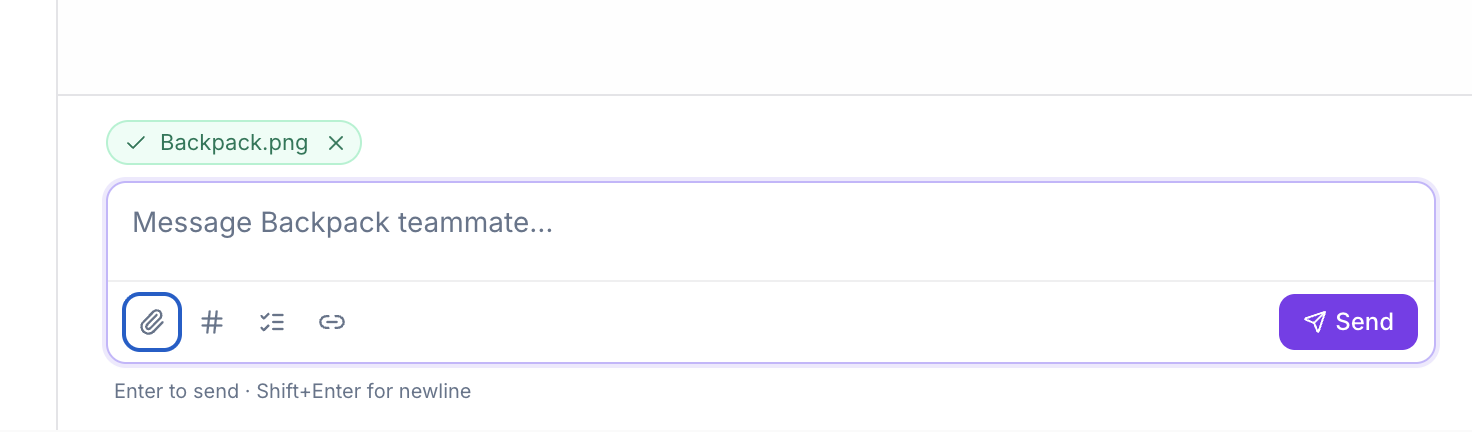
Click the attach option near the message box.
Choose the file from your computer.
Add a note if you like, then Send.
Drag and drop
Drag a file from your desktop straight onto the message box and drop it to attach.
Paste a screenshot
This is the fastest way to share what's on your screen:
Take a screenshot (on Mac: Cmd+Shift+4; on Windows: Win+Shift+S).
Click into the message box.
Paste with Cmd+V (Mac) or Ctrl+V (Windows) — the image attaches automatically.
Send.
Viewing attachments
Click any image or file in the conversation to open it. If an older image link ever looks expired, just reopen it from the message — it refreshes automatically.
Tips
Images are great for showing exactly what you mean ("this button," "this spacing").
For feedback about a specific page of your website, the feedback tool is even better — it pins your note right on the page.
Related