

Which pages show the widget
The feedback widget doesn't appear on every website you visit — only on the pages your team has allowlisted for your project. That usually includes:
your live site,
any staging site, and
preview links your team shares while work is in progress.
This keeps the widget where it's useful and off pages it shouldn't touch.
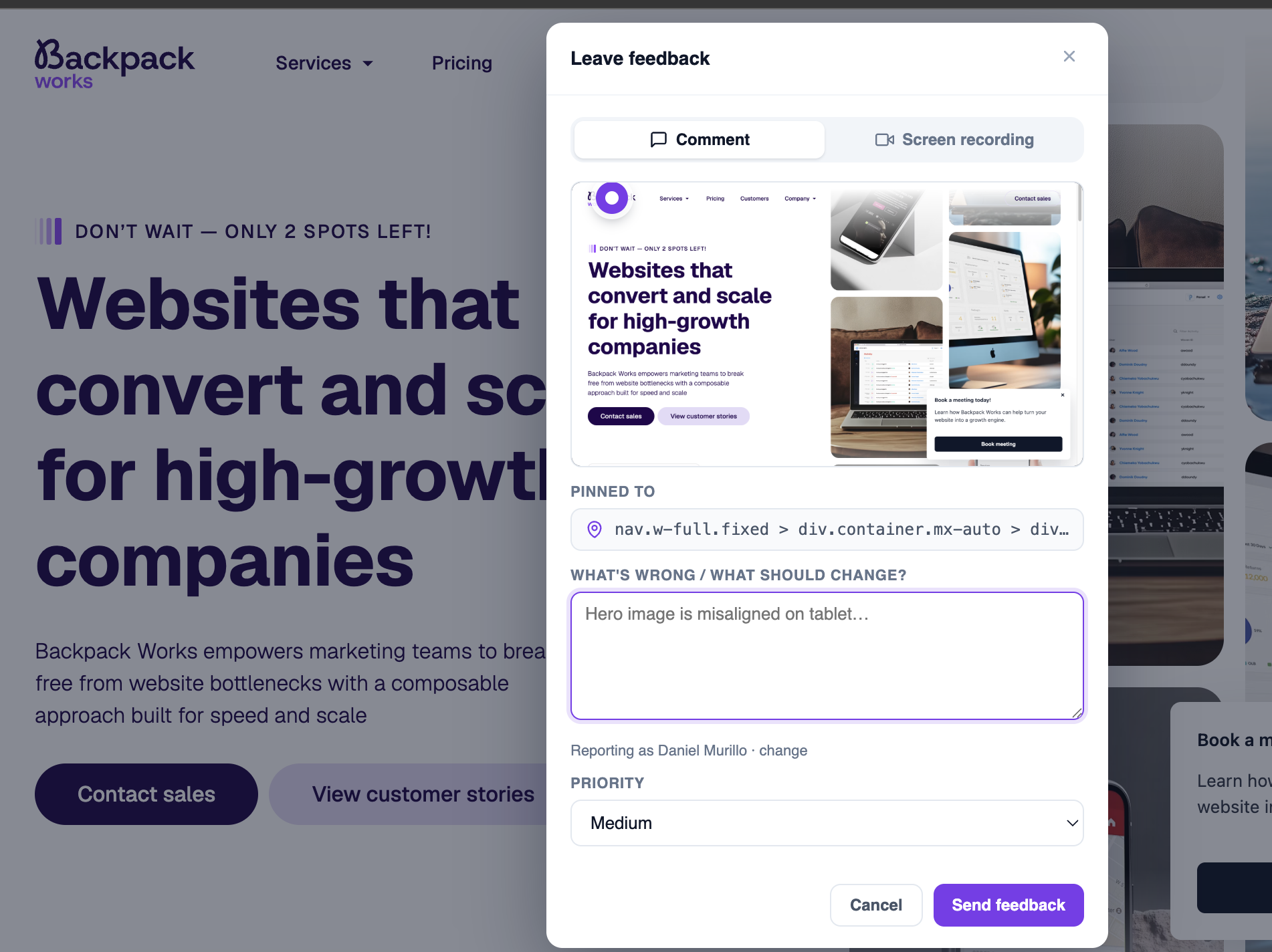
If the widget isn't showing
Work through these quickly:
Right page? Make sure you're on a URL your team allowlisted (your live site, staging, or a preview link). The widget won't show on random websites.
Extension installed and connected? Click the Backpack OS icon in your toolbar and confirm you're signed in. See Installing the browser extension.
Right browser? Use Chrome or Edge. See Supported browsers.
Reload the page after installing or connecting the extension.
Still nothing? See the full checklist in The feedback widget isn't showing, or ask your team to confirm the page is allowlisted.
Want feedback on another page?
If you need to comment on a page that isn't covered yet, ask your team to add that URL to your project's allowlist.
Related