

Notifications & staying in the loop
Backpack OS keeps you posted when something needs your attention — a new comment, a reply, a status change, or a fix that's ready to review.
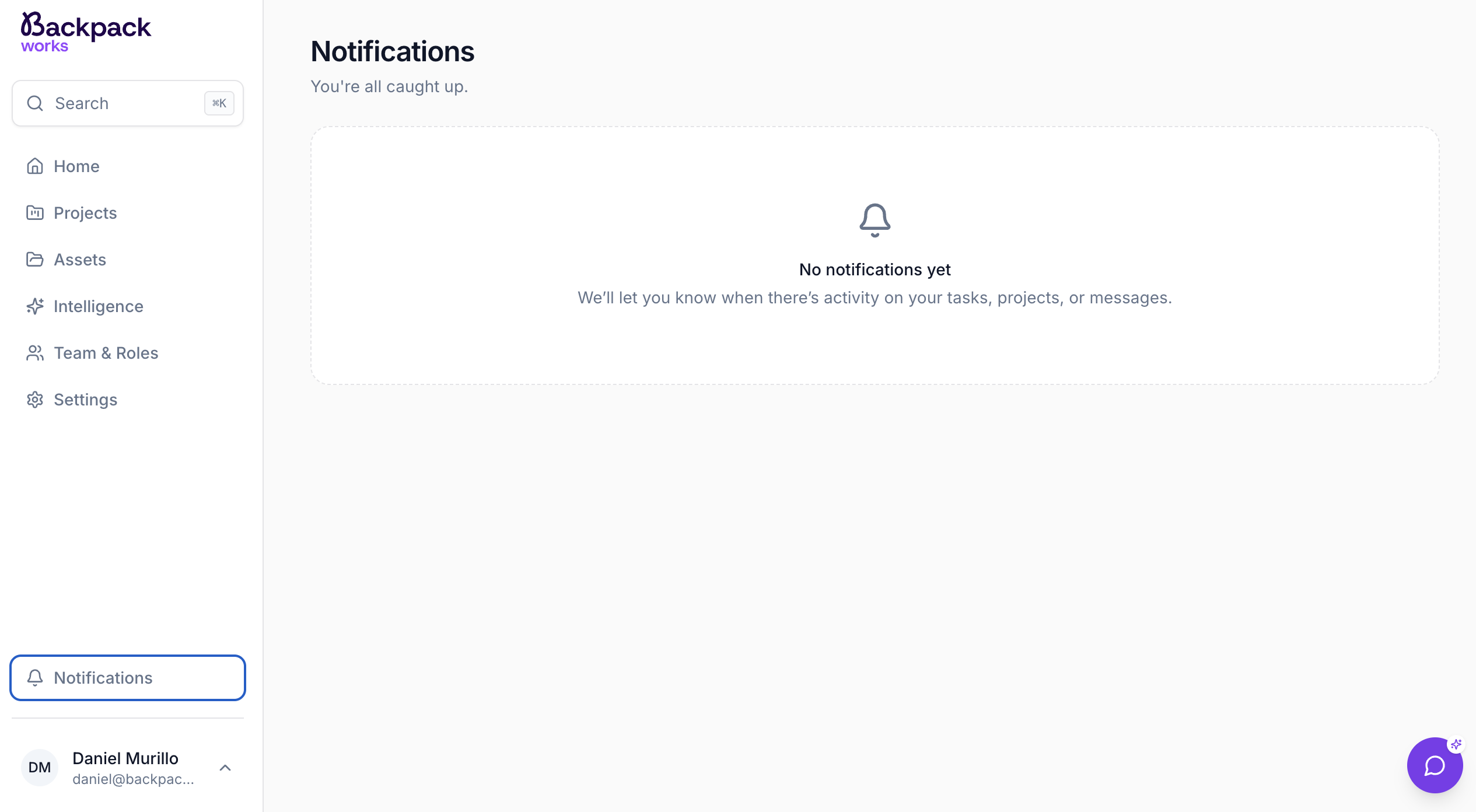
The notifications bell
Look for the bell icon at the top of the screen.
A red dot means you have something new.
Click the bell to open your notifications list.
Click any notification to jump straight to the task or message it's about.
Clearing notifications
Opening a notification marks it as read.
You can clear notifications you no longer need from the list.
Email updates
Depending on your preferences, you'll also get important updates by email — like when a fix is ready for you to review. You can control which emails you receive in your settings. See Notification preferences.
Tips
Check the bell after you've been away for a day or two to catch up quickly.
If you're getting too many or too few emails, adjust your notification preferences.
Related