

Setting a priority on feedback
When you leave feedback, you can mark how urgent it is so your team knows what to tackle first.
Set the priority
Start a pinned comment on your page. See Pinning a comment on your site.
Before sending, choose a priority — for example Low, Medium, High, or Urgent.
Send your feedback.
The priority you choose carries through to the task your team sees, so the most important items stand out.
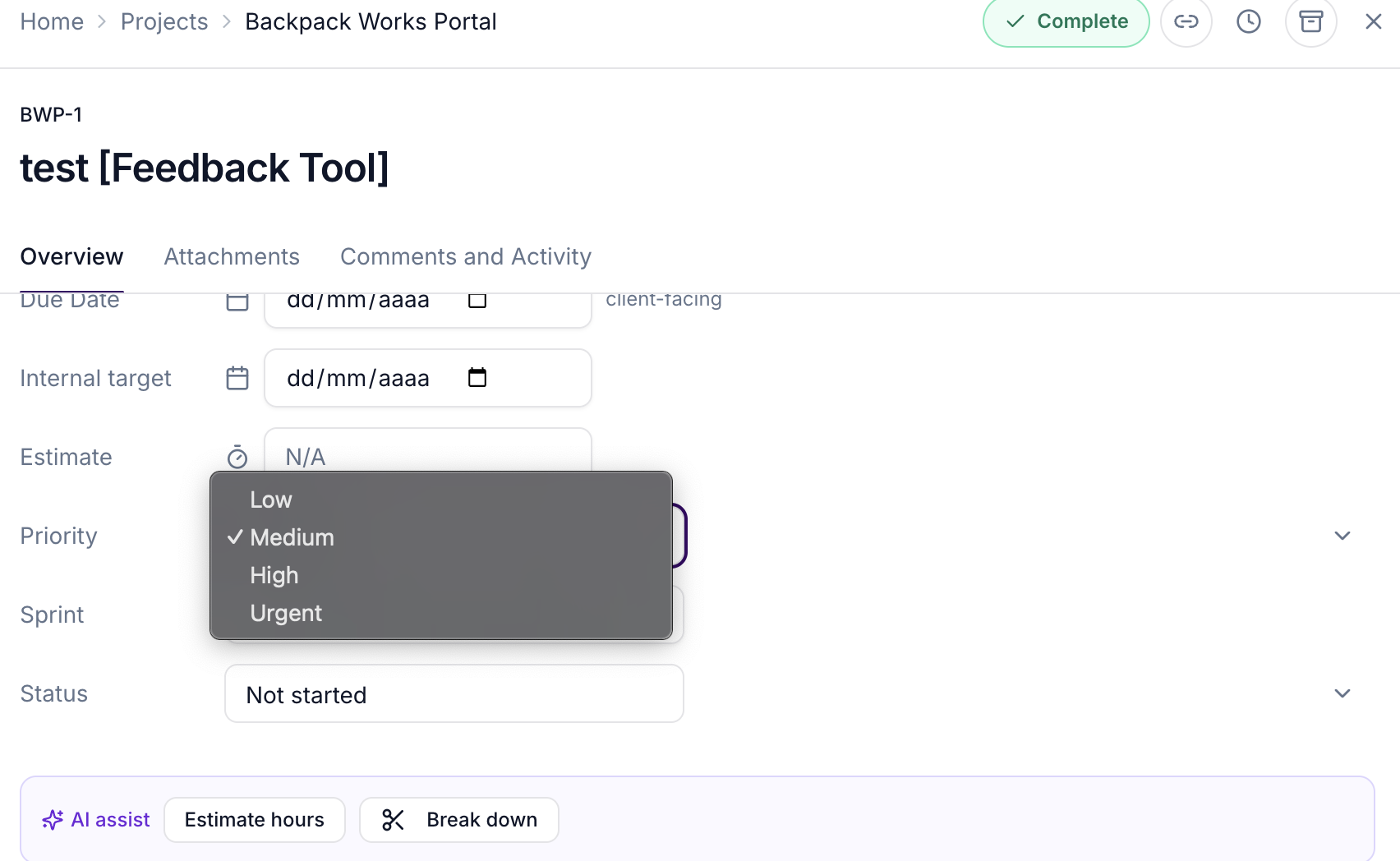
Choosing the right level
Urgent / High — something broken or customer‑facing that needs quick attention (a broken link, a typo on a key page).
Medium — a normal change you'd like done soon.
Low — a nice‑to‑have or a small polish item.
Good to know
Whatever priority you pick is the one your team receives — it isn't overridden. If you don't set one, it uses a sensible default.
Related
Was this helpful?