

What is the website feedback tool?
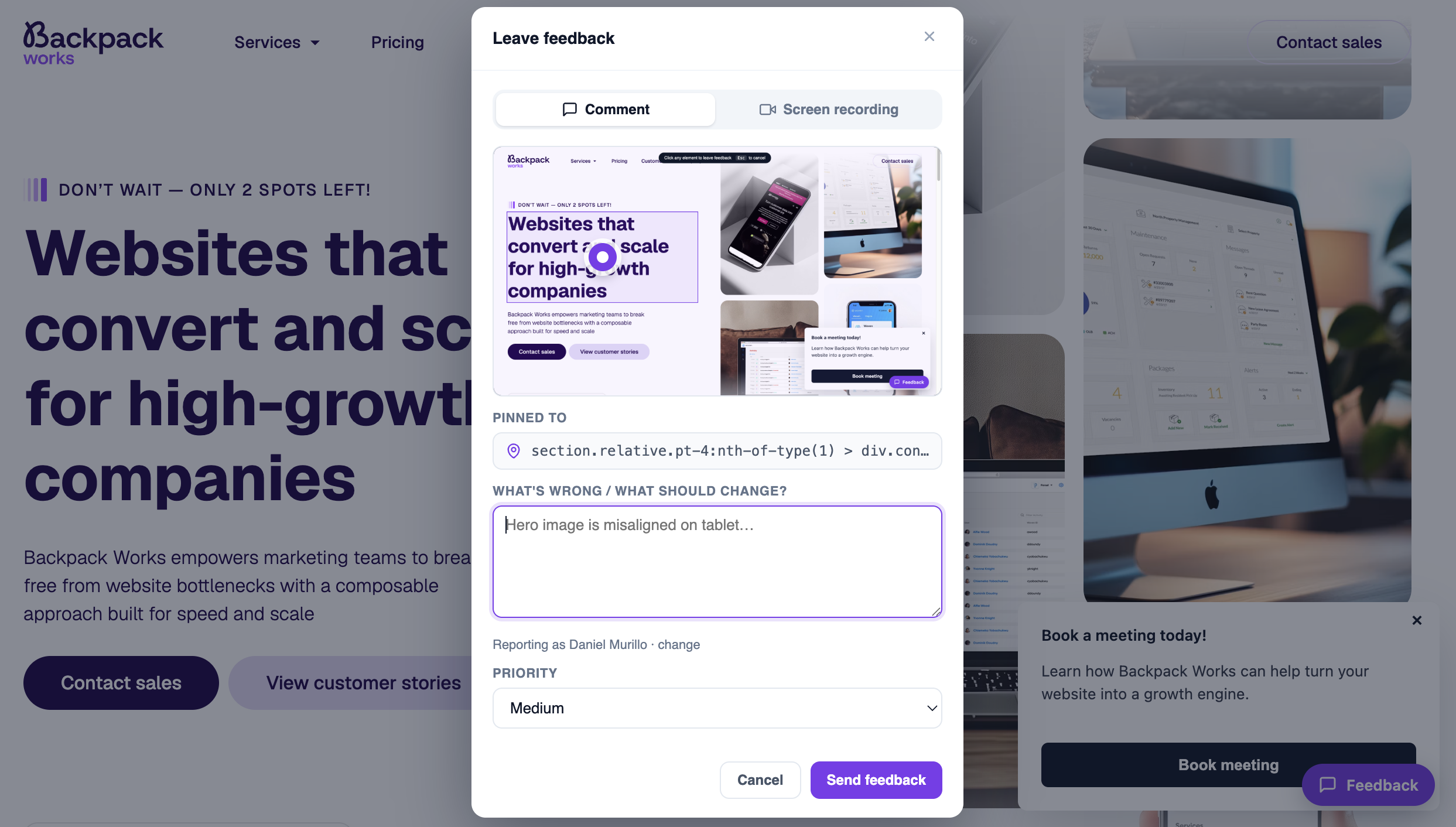
The feedback tool lets you leave comments directly on your website. Instead of describing a change in an email ("the button on the about page, the third one down…"), you click the exact spot on the page and type what you want. Your note turns into a task for your team, with the page and location attached.
How it works, in short
You install a small browser extension once. See Installing the browser extension.
You visit your website (or a staging/preview link your team gave you).
You pin a comment on the exact element you're talking about. See Pinning a comment on your site.
Your comment becomes a task in your project, including the page URL and an optional screenshot or screen recording.
Why use it
No ambiguity — your team sees exactly which page and element you mean.
Faster turnaround — feedback lands as a task automatically.
Everything tracked — nothing gets lost in an inbox.
What you'll need
One of our supported browsers (Chrome or Edge).
The Backpack OS feedback extension installed. See Installing the browser extension.
Related