

Messaging your team
Messages is your direct line to the team — better than email because everything stays with your project.
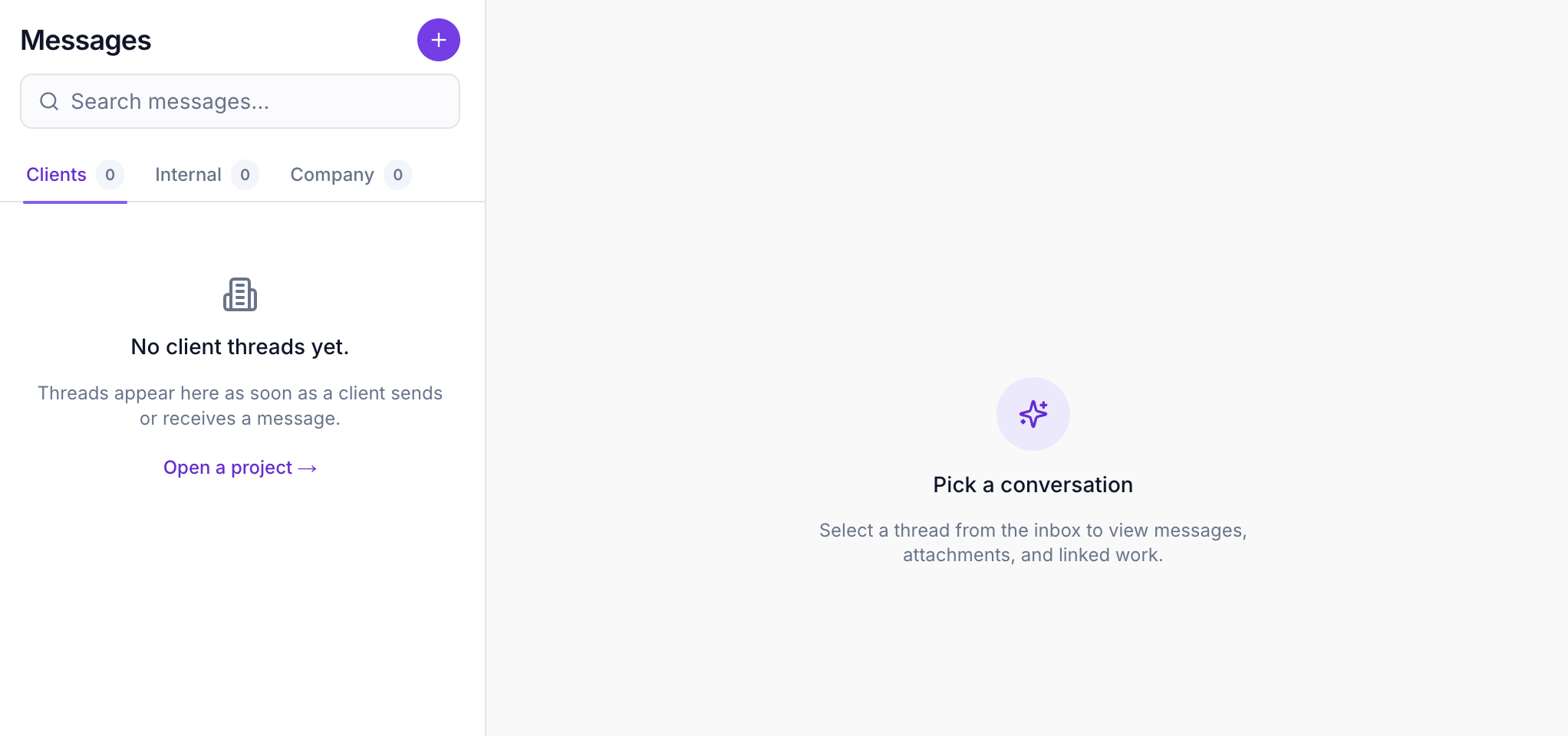
Open Messages
Click Messages in the sidebar.
Pick a conversation from the list, or start a new one if that option is available to you.
Send a message
Open the conversation you want.
Type your message in the box at the bottom.
Press Enter (or click Send) to send it.
The team is notified, and replies show up in the same thread.
Reply
Open the conversation and type in the same box — the whole back‑and‑forth stays in one place.
New replies show up in your notifications.
Tips
Use Messages for general conversation, and use task comments when you're talking about one specific piece of work. See Commenting on a task.
You can attach files and images to a message — see Sending files and images.
Related