

Viewing your project and tasks
Click Projects in the sidebar.
Select your project to open it.
You'll see the project's tasks, grouped so you can tell what's in progress, what's done, and what's coming up.
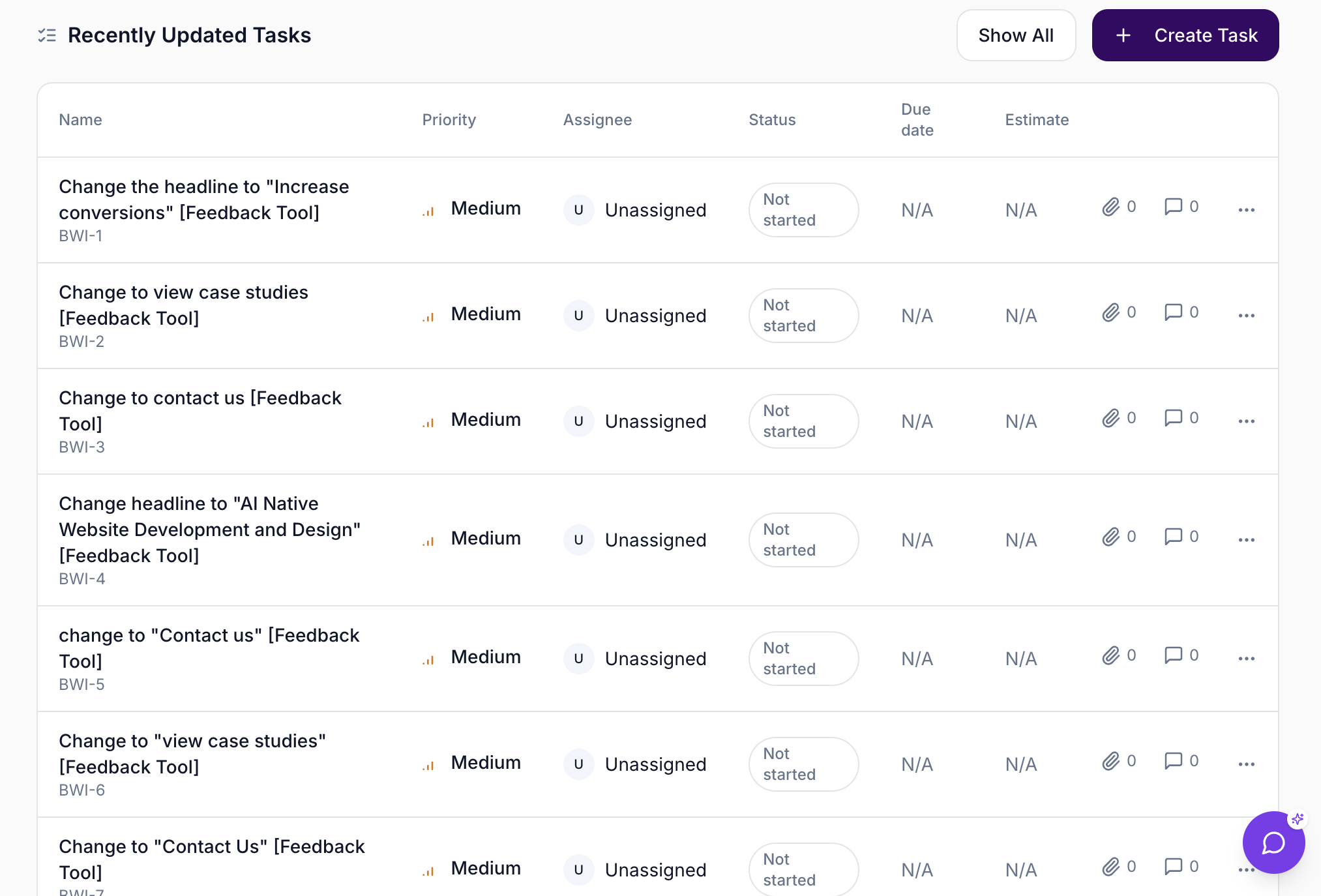
Open a task
Click any task to open its details.
The task opens with everything in one place: the description, status, due date, comments, and any subtasks or attachments.
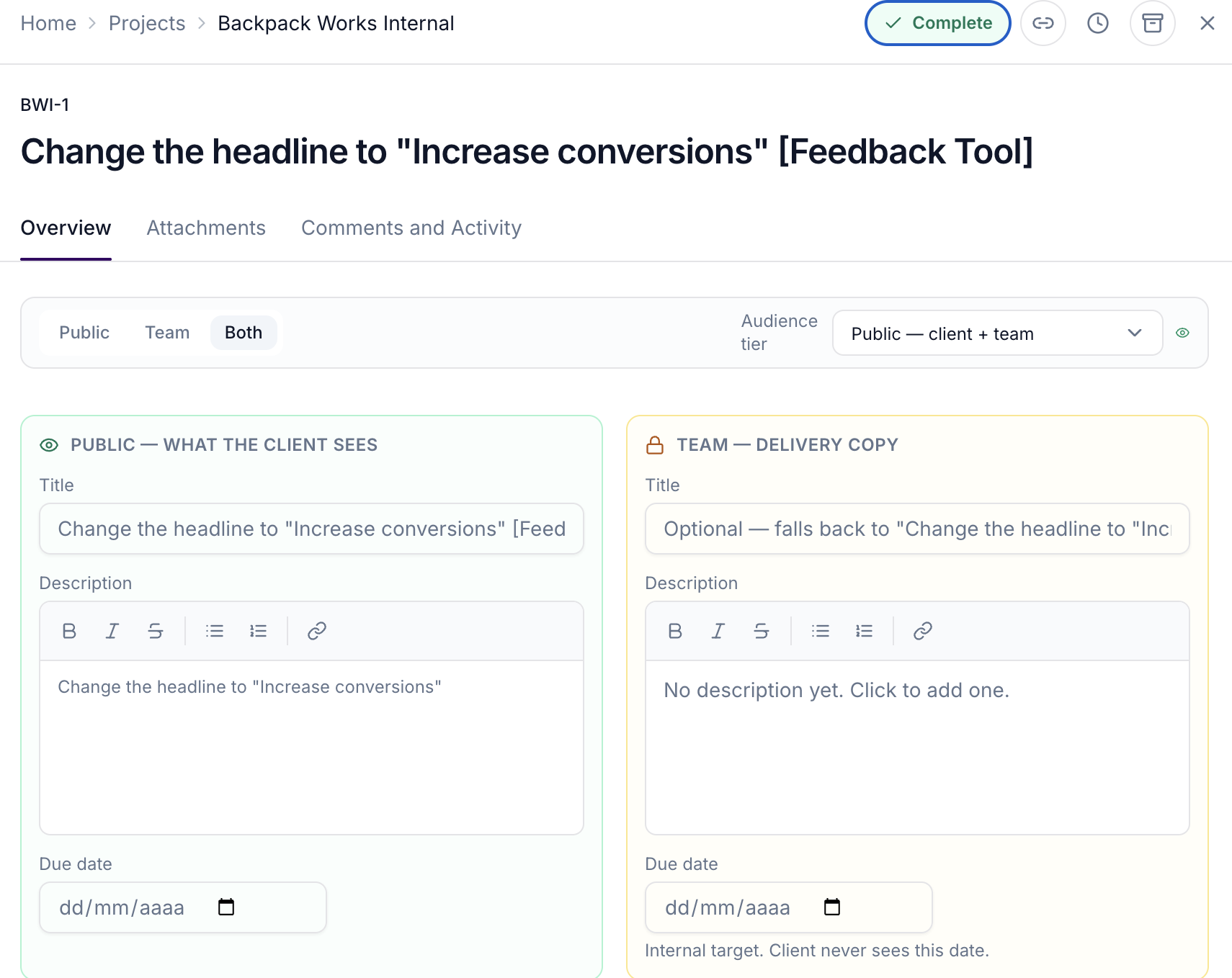
Find a specific task
Use Search at the top of the screen and type part of the task title.
Or open the task directly from a notification or a message that links to it.
Tips
You can return to a task at any time — the link is stable, so it's safe to bookmark or share with your team.
If a task you expected is missing, it may be assigned to a different project, or it may have been completed and moved to your done items.
Related
Was this helpful?